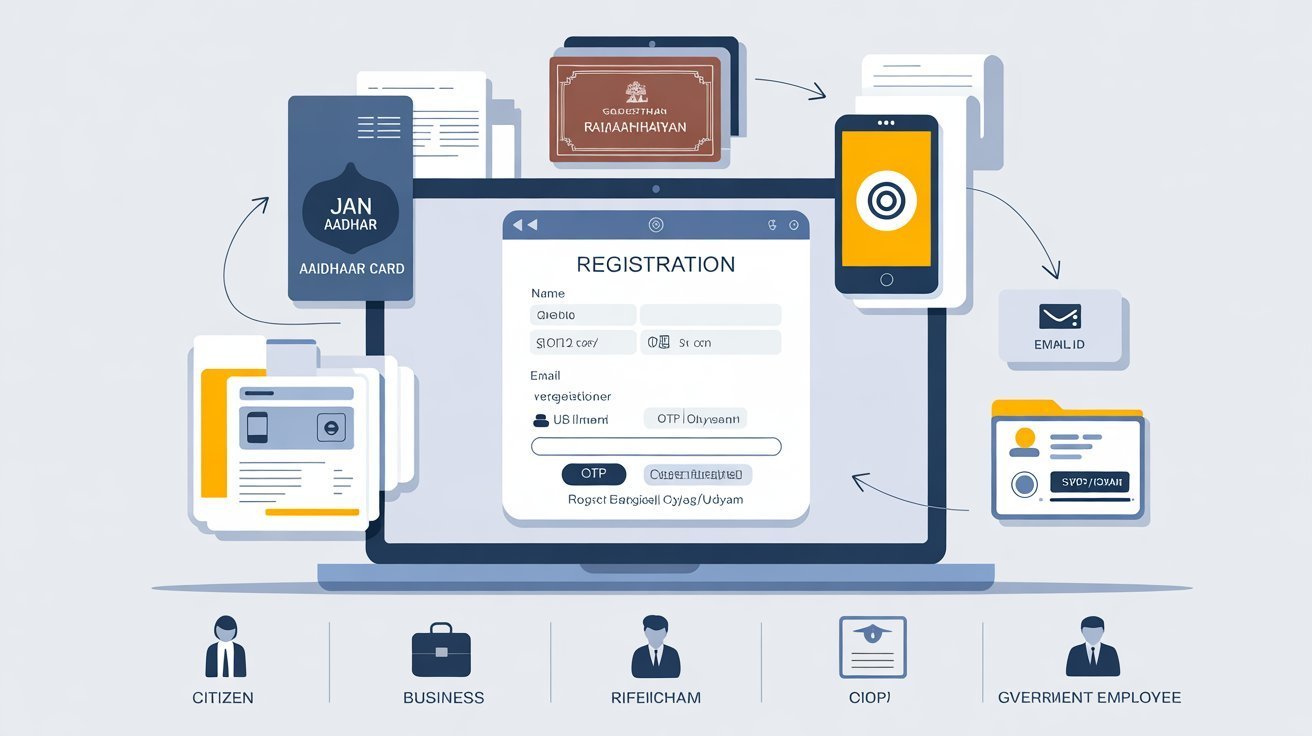
The moment you need to access a government service urgently — an exam application deadline, a scholarship form, a bill overdue for payment — and you realize you cannot remember your SSO ID or password is genuinely stressful. Most people in that situation assume they are in for a long, complicated process involving office visits or bureaucratic delays. The reality is quite the opposite. The Rajasthan SSO portal has a well-designed recovery system that handles both forgotten usernames and forgotten passwords within minutes, entirely online, without leaving your phone or computer. This guide walks you through every scenario, clearly and in sequence, so you can get back into your account fast.
Understanding the Two Separate Problems
Before you begin, it helps to recognize that forgetting your SSO ID and forgetting your password are two distinct situations that require different steps. Your SSO ID is the unique username you created during registration — it is the identifier the system uses to locate your account. Your password is the security key that, combined with your SSO ID, grants you access. The portal treats their recovery separately, and choosing the wrong recovery path wastes time. Identify which one you have actually forgotten before proceeding.
If you can remember your username but cannot recall the password, go directly to the password reset process. If you cannot remember the username at all — perhaps it has been months or years since you last logged in — start with SSO ID retrieval. And if you have forgotten both, retrieve the ID first, then reset the password using that recovered ID.
Recovering a Forgotten SSO ID Through the Portal
The online recovery method is the most complete option and works for all user types. On the SSO portal's login page, look for the link that reads something like "I forgot my Digital Identity (SSOID)" or "Forgot SSO ID." Clicking it takes you to a dedicated recovery page where the first decision is selecting your user type — Citizen, Udyog (business), or Government Employee.
For citizens, the recovery page asks you to verify your identity through one of the documents you used during registration. If you registered with your Jan Aadhaar number, enter it here. If you used your Aadhaar number, enter that instead. The system cross-references the number with its database, locates the linked account, and triggers an OTP to the mobile number registered under that identity document. Enter the OTP when it arrives, and your SSO ID is immediately displayed on screen and sent to your registered email address as well.
The entire process takes under two minutes when your registered mobile number is active and receiving messages. The key point to understand is that the system is not asking you to remember anything — it is verifying your identity through documents you already possess. As long as you have your Aadhaar or Jan Aadhaar card accessible and the linked mobile number in hand, recovery is assured.
The SMS Shortcut
If getting to a browser feels like too many steps, there is a faster route. From the mobile number that is registered to your SSO account, compose a text message containing only the text "RJ SSO" and send it to 9223166166. The portal's automated system recognizes the number, matches it to the linked account, and replies with your SSO ID within moments.
This method is convenient but has one important condition: it works only if the number you are sending from is the same one registered in your SSO profile. If you have changed your phone number since registration and not updated it in your profile, the SMS will not return a result. In that case, the online recovery method using your Aadhaar or Jan Aadhaar is the path forward.
Resetting a Forgotten Password
Password recovery follows a similarly straightforward process. On the portal's login page, select the "Forgot Password" option. The page that follows asks for your SSO ID — which is why, if you have forgotten both, you need to retrieve your ID first using the steps above.
Once your SSO ID is entered, you choose a verification method: your registered mobile number, your registered email address, or your Aadhaar number. Selecting the mobile option sends an OTP to your phone. After entering the OTP correctly, the system prompts you to set a new password. Type your chosen password, confirm it by entering it a second time, and submit. Your account is immediately accessible using the new credentials.
The password you set here replaces the old one entirely — the system does not reveal your previous password, it helps you create a new one. After logging in with the reset password, it is good practice to navigate to your profile settings and confirm that your contact details are current and accurate.
Recovery Differs Slightly by User Type
The recovery path for business users and government employees has minor differences worth knowing. Business owners who registered under the Udyog category select that option on the recovery page and enter their Business Registration Number or Udyog Aadhaar Number for identity verification. The OTP then goes to the mobile number linked with that business registration.
Government employees select the Government Employee tab and enter their SIPF number. The system verifies the number against official employment records. Once matched, the recovery proceeds through OTP on the registered mobile. If there is a discrepancy between the SIPF number entered and what exists in the government's records — due to a typo or an outdated number — the match will fail, and the employee will need to confirm the correct number with their department's HR or administrative office before retrying.
What Happens When Your Registered Number Is Inactive
This is the scenario that causes the most genuine difficulty, and it deserves honest treatment. If the mobile number registered to your SSO account has been deactivated, ported, or reassigned, OTP-based recovery cannot proceed. The portal's automated systems have no alternative way to reach you.
In this situation, your most practical option is visiting your nearest e-Mitra center. These government service access points, spread across Rajasthan, have operators trained to assist with SSO account issues. Bring valid identity proof — your Aadhaar card or Jan Aadhaar card — and explain the situation. The operator can initiate a contact update through verified channels, which then allows you to complete recovery once the new number is linked. This is not an instant process, but it is the legitimate route when self-service is blocked.
When to Contact the SSO Portal Helpdesk
Self-service recovery resolves the vast majority of forgotten ID and password situations. But there are cases where things go wrong in ways that the automated system cannot handle — a mismatch between identity document details and what is stored in the SSO database, an account that has been flagged for unusual activity, or a registration-level error that prevents OTP delivery entirely. In these situations, the SSO Portal Helpdesk is your direct line to resolution.
The helpdesk can be reached by phone at 0141-5153222 or 0141-5123717 during official working hours. For non-urgent issues, you can write to helpdesk.sso@rajasthan.gov.in and describe the problem in detail. When contacting the helpdesk, have your Aadhaar or Jan Aadhaar number ready, along with the registered mobile number or email address linked to your account, and a clear description of what you have already attempted. This preparation dramatically reduces the time it takes for the support team to locate your account and diagnose the issue.
Protecting Yourself From This Problem in the Future
Recovery is easy, but not needing to recover at all is better. A few habits, consistently maintained, virtually eliminate the chance of being locked out of your account.
First, keep your registered mobile number active and current in your SSO profile. The moment you change your primary number, update it in your account settings before the old number goes inactive. Second, use an email address you genuinely check — not an old address created for a one-time purpose. Your SSO ID is sent to that address whenever you trigger a recovery, and an inaccessible email is no use in an emergency.
Third, write your SSO ID down somewhere secure, separate from your password. Most people forget their SSO ID specifically because it is not intuitive — it may be a username they chose years ago under different circumstances. A physical note kept in a safe place, or a password manager on your personal device, keeps this information retrievable without depending on memory.
Finally, log into your account at least occasionally even when you do not need a specific service. Familiarity with your credentials is itself a form of security. An account that sits unused for a year is an account whose recovery details — especially the registered mobile number — are more likely to have drifted out of date.
Getting locked out of your SSO account is a minor obstacle, not a major crisis. With a registered Aadhaar or Jan Aadhaar card in hand and an active mobile number, you are minutes away from full recovery. For anything more complex, the SSO Portal Helpdesk exists precisely to handle situations the automated system cannot, and it operates with a clear mandate to get citizens back into their accounts and back to the services they need.